One place to see and manage business spending.
Balance and runway, cards and their limits, bills coming due, and what every dollar was for. Pick the kind of business closest to yours.
- Sunbelt RentalsJob 118 · Elm St remodel · OrtizCoded$412.00
- ABC SupplyJob 122 · Northgate roof · Truck 4Coded$1,286.40
- ShellJob 118 · Elm St remodel · OrtizReceipt needed$84.20
- GraingerShop supplies · OfficeCoded$96.75
- UlineDue in 3 daysApproved$1,240.00
- Sunbelt RentalsDue in 5 daysNeeds approval$3,410.00
- City UtilitiesAutopayScheduled$312.55
Illustrative businesses. Sample data.
Cards, bills, and expenses. Working together.
Spend cards
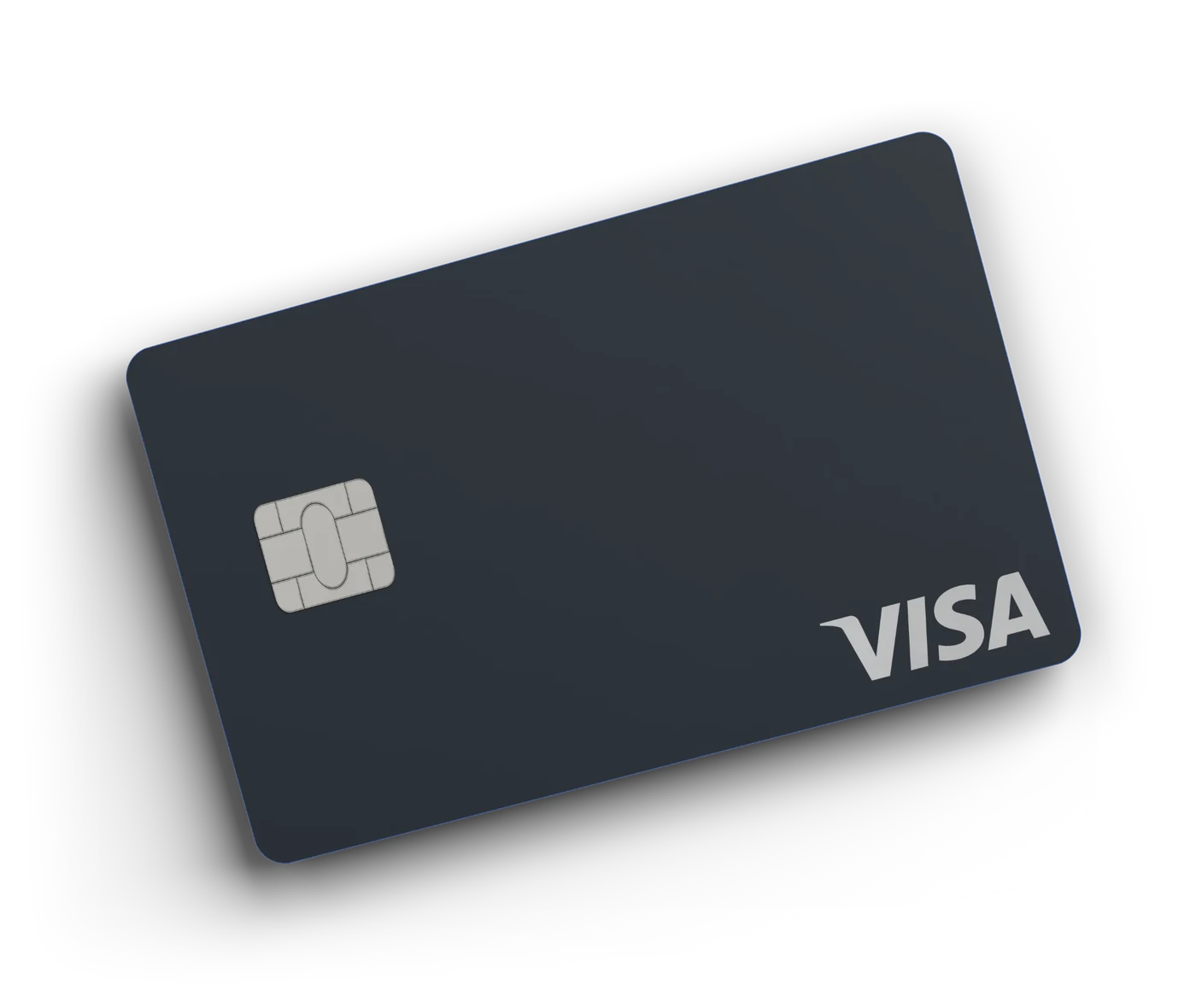
Physical and virtual cards with the limits, categories, and vendor locks set before the swipe. Receipts by photo at the point of spend.
Bill pay
Every bill in one queue. Route it to the right approver, pay by ACH, wire, or check, and the record posts the moment it clears.
Invoicing
Send invoices in your brand and collect by card or bank transfer on a link. Payment status writes straight back to the invoice.
Bring your own card
Keep the business cards you already earn rewards on. Outpave adds the limits, receipts, and coding on top.
Integrations
QuickBooks and Xero with your chart of accounts, classes, and job codes mapped once. Month end is a review, not a data-entry project.
Receipt capture
Snap it, text it, or forward it. The receipt lands on the transaction it belongs to, coded, before anyone has to ask.
Set up in a working session, not a quarter.
Open your account
Apply online and verify the business. Virtual cards are ready as soon as the account is approved; physical cards follow.
Set the rules
Cards, limits, categories, approvers, and the mapping to your books. Set once, enforced at the swipe.
Close the month
Receipts matched, bills paid from one queue, entries synced as they happen. The close is a review, not an investigation.
You already have a system. It just runs on people.
Control at the swipe
The rule lives on the card. Category, vendor, amount, and time limits are decided before the charge clears, not in a spreadsheet three weeks later.
One queue for every bill
Bills land, route to the right person, and pay on the rail you choose. Duplicates and overpayments are flagged before anything sends.
A close you can defend
Every dollar is an entry with its receipt and its code attached. Your team and your accountant work from the same records.
Questions businesses ask us.
Who is Outpave for business for?
Businesses that run crews, trucks, properties, work orders, or clients and need spending coded to the work as it happens. Contractors, property managers, field-service companies, and agencies are typical.
Do we have to replace the cards we use today?
No. Bring your own card connects the business cards you already carry for receipts, coding, and approvals. Issued Outpave cards add limits that hold at authorization.
Which accounting systems sync?
QuickBooks and Xero today, with job and class coding carried through. Ask us about others.
How is it priced?
Pricing depends on your team size and payment volume. We walk through it on the first call, with straight answers on cards, bill pay, and rewards.
How quickly can we start?
Once the business is verified, setting up cards, rules, and the accounting mapping is a short working session with our team.
Bring us your messiest month-end.
Show us how spend moves through your business today and we will show you what Outpave takes off your plate. A real person, your own numbers, no slide deck.